

Document capture software: How to capture documents automatically
|
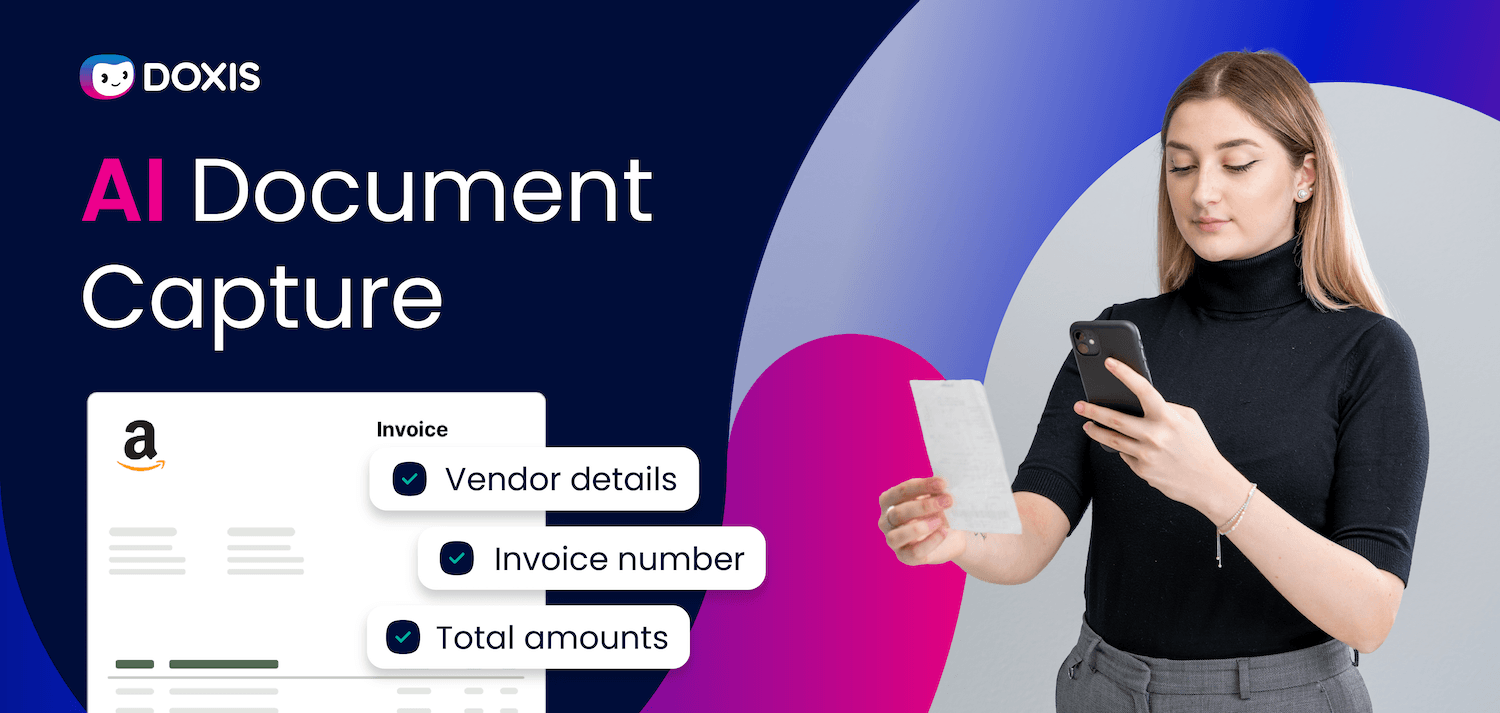
Every day, documents land in your business from every direction: supplier invoices, signed contracts, delivery notes, customer forms. Most of them contain information someone needs to act on and most of that information has to be manually keyed into a system before anything can happen.
That bottleneck adds up fast.
The AIIM Market Momentum Index: Intelligent Document Processing Survey 2025 found that 66% of enterprises are actively accelerating document processing automation, with two-thirds looking to replace legacy systems entirely.
Document capture software automates the intake: documents come in, data gets extracted, classified, and routed without anyone typing a thing.
This guide covers how it works, what to look for, and how Doxis handles the process end to end.
Key Takeaways
- Document capture software extracts, classifies, and routes data from paper and digital documents automatically
- AI and OCR technologies work together to handle both structured and unstructured document formats
- Automated capture eliminates manual data entry, reduces errors, and speeds up downstream workflows
- Choosing the right solution means evaluating integration depth, compliance coverage, and AI maturity
- Doxis captures documents from any source: paper, email, ERP, or eInvoice, and routes them directly into your processes
What Is Document Capture Software?
Document capture software converts physical or digital documents into structured, searchable, and reusable data.
It uses technologies like OCR (Optical Character Recognition), AI, and machine learning to read, classify, and extract information from incoming documents, then automatically routes that data to the right system, file, or workflow.
The goal is to eliminate manual data entry and make document information available for immediate use across your business.
Why Automated Document Capture Matters for Your Business
Manual document handling is expensive and error-prone. When teams key in data from invoices, forms, or contracts by hand, mistakes happen.
The cumulative drag on productivity is just as significant. Document-heavy processes like invoice processing, contract management, and inbound mail handling consume substantial staff time when run manually. Automated capture removes that burden entirely, freeing your teams for higher-value work.
Automated capture also underpins compliance. Documents that are correctly classified and stored in audit-proof systems are far easier to retrieve during audits or regulatory reviews. For organizations operating under GDPR or sector-specific regulations, this is not optional.
How Document Capture Software Works: Step by Step
Hey Doxi, can you show us how document capture software works?
Modern document management software handles the full intake pipeline, from receiving a document to storing it as structured data. Here is how the process works in practice.
Step 1: Document Intake
Capture software receives documents from multiple input channels simultaneously:
- Email inboxes and attachments
- Physical document scanners
- ERP, CRM, or supplier portal integrations
- eInvoice networks such as Peppol, ZUGFeRD, or XRechnung
- Web forms and self-service portals
The intake layer ensures every document, regardless of format or source, enters the same processing pipeline.
Step 2: OCR and Image Processing
For scanned or image-based documents, the software applies OCR text recognition to convert visual content into machine-readable text. Modern OCR engines do more than recognize characters: they interpret document structure, identify tables, and extract line items with high accuracy, even from low-quality scans. If the incoming document is already in a structured digital format, such as an XML eInvoice, the system bypasses OCR and reads the structured data directly.
Step 3: AI-Powered Classification
Once the document text is readable, AI handles document classification automatically. The system identifies whether it is dealing with an invoice, a contract, a delivery note, a purchase order, or another document type, based on content patterns, keywords, and layout.
This classification step determines how the document is processed next and where it ends up in your system.
Step 4: Data Extraction
After classification, the software extracts the relevant fields. For an invoice, this means supplier name, invoice number, date, line items, and total amount. For a contract, it captures counterparty name, term dates, and key obligations.
AI-powered data extraction adapts to variations in layout and formatting, unlike older template-based systems that break when a supplier changes their invoice design.
Step 5: Validation and Matching
The captured data is validated against your existing records. For invoices, this means a two-way or three-way match against purchase orders and delivery notes. Discrepancies are flagged automatically for human review; matching documents proceed without intervention.
Step 6: Routing and Storage
The classified and validated document is automatically routed to the correct workflow and stored in the right location: the supplier file, the contract register, the employee record, or wherever it belongs. Metadata is attached so the document is immediately searchable and accessible within your ECM system.
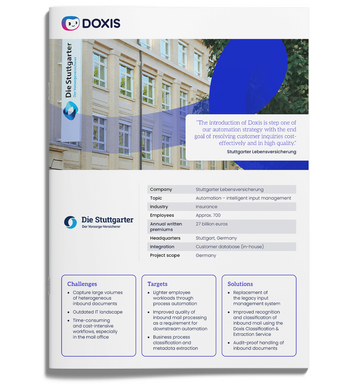
Stuttgarter Lebensversicherung: Automation & Intelligent Input Management
How Stuttgarter Lebensversicherung optimizes input management with Doxis and paves the way for further core process automation.
Read nowKey Technologies Behind Document Capture Software
Three core technologies work together in any modern document capture solution.
OCR (Optical Character Recognition) remains the foundation. It converts scanned documents and image files into machine-readable text, making them searchable and processable. Without OCR, automated capture of paper documents is not possible.
AI and machine learning sit on top of OCR to add understanding. Where OCR reads text, AI interprets it, recognizing document types, extracting the right fields, adapting to layout variations, and improving over time as it processes more documents.
Natural Language Processing (NLP) handles unstructured content. For documents like contracts or emails where data is embedded in free-form text rather than structured fields, NLP identifies entities, dates, obligations, and other meaningful information with precision.
What to Look for in Document Capture Software
Not all capture solutions are built for enterprise scale. When evaluating your options, prioritize these capabilities.
Multi-channel intake means the software accepts documents from every source your organization uses, including paper, email, ERP integrations, and eInvoice networks. A solution that handles only one input type creates gaps.
AI-powered extraction, not just OCR is essential because template-based OCR breaks when formats change. AI-powered extraction adapts to variation and handles unstructured documents that rule-based systems cannot process.
Deep ERP and CRM integration ensures captured data flows into the systems your teams already use. Look for certified integrations with SAP, Salesforce, and your document management system.
Compliance and audit readiness means documents are stored in audit-proof systems with version control, access rights, and retention policies that satisfy GDPR and other regulatory requirements.
Scalability matters because your capture volume will grow. Choose software built on a platform that scales without requiring re-implementation.
How Doxis Captures Documents Automatically
Doxis handles the full document capture pipeline as part of its Intelligent Content Automation platform, covering both paper and digital documents across every intake channel.
For paper documents, Doxis applies AI-powered OCR to convert scanned files into machine-readable text, then classifies the document and extracts relevant metadata.
Keywords like "Subject matter of the Agreement" and "Contractor" identify a document as a contract; the AI then extracts the relevant parties, dates, and terms and saves them as structured metadata in the associated eFile.
For digital documents, Doxis connects directly to email, ERP systems, CRM platforms, and eInvoice networks via its integrations with SAP, SAP SuccessFactors, Salesforce, and more.
When documents arrive in connected systems, Doxis fetches them automatically. Structured digital formats like ZUGFeRD or XRechnung eInvoices are routed directly, no OCR required.
Here is what that means for specific use cases:
- Invoice processing: inbound invoices are captured, validated against purchase orders and delivery notes, and either auto-approved or flagged for review, with posting handled in your ERP
- Contract management: contracts are classified, key terms extracted, and documents stored in the correct contract file with audit-ready version history
- HR document management: applicant documents and employee records are captured from your applicant management system and filed automatically in the associated HR eFile
- Inbound mail automation: physical or digital inbound mail is classified and routed to the relevant department or process without manual sorting
All captured documents are stored in audit-proof archives with role-based access rights, full version control, and configurable retention policies, keeping you compliant with GDPR and sector-specific requirements.
Automate Your Document Capture with Doxis
If your teams are still manually keying data from invoices, contracts, or inbound mail, you are paying for a problem that document capture software can eliminate. Doxis gives you a single platform to capture, classify, and route every document your business receives — automatically, accurately, and in compliance with regulatory requirements.
With Doxis, you get:
- AI-powered OCR and data extraction across paper and digital documents
- Multi-channel intake covering email, ERP, CRM, and eInvoice networks
- Certified integrations with SAP, Salesforce, and Microsoft
- Automated validation, matching, and workflow routing
- Audit-proof storage with ISO 27001 and GDPR-compliant retention policies
- Modular deployment: start with capture, expand into full process automation
Request a free demo below and see how Doxis handles your document intake end to end!
Automate Work. Accelerate Business.
Bring together AI, ECM, and workflow automation in one powerful enterprise platform.
FAQs on document capture
What is document capture software?
Document capture software converts incoming paper or digital documents into structured, machine-readable data. It uses OCR, AI, and machine learning to read, classify, extract, and route document information automatically, eliminating the need for manual data entry and making documents immediately available for use in workflows and business systems.
How does automated document capture work?
Automated document capture follows a consistent pipeline: documents are received from multiple input channels, OCR converts image-based content into text, AI classifies the document type and extracts relevant fields, the data is validated against existing records, and the document is routed to the correct system or workflow. The entire process runs without human intervention for standard documents.
What is the difference between OCR and AI-powered document capture?
OCR converts scanned images into machine-readable text: it reads characters but does not interpret meaning. AI-powered capture adds classification, field extraction, and contextual understanding on top of OCR, enabling the system to handle unstructured documents, adapt to layout variations, and improve accuracy over time through machine learning.
What types of documents can capture software process?
Modern document capture software handles a wide range of document types: invoices and purchase orders, contracts and agreements, delivery notes, HR records and applicant documents, inbound mail and forms, and structured eInvoice formats like ZUGFeRD or XRechnung. Enterprise platforms like Doxis cover all of these from a single system.
How does document capture software support GDPR compliance?
Compliant document capture software stores documents in audit-proof archives with role-based access controls, full version history, and configurable retention policies. This ensures documents are processed and stored in line with GDPR requirements, can be retrieved for audits or legal review, and are protected against unauthorized access.
What integrations should document capture software have?
For enterprise use, capture software needs certified integrations with ERP systems (particularly SAP), CRM platforms such as Salesforce, document management systems, and eInvoice networks. These integrations ensure captured data flows automatically into the systems your teams already use, rather than creating a new data silo.
How long does it take to implement document capture software?
Implementation timelines vary by organization size and complexity. With pre-configured modules and standard integrations, like those in Doxis Fast Starters, enterprises go live significantly faster than with a fully custom build. The right vendor will provide a clear implementation roadmap during the evaluation process.
Is document capture software only for large enterprises?
No. While document capture software delivers the clearest ROI at high document volumes, modular platforms like Doxis are designed to scale. Your business can start with a single use case, such as invoice capture, and expand into broader process automation as needs grow.



How can we help you?
+49 (0) 30 498582-0Your message has reached us!
We appreciate your interest and will get back to you shortly.