














How digital mailroom automation works
Doxis moves every inbound document through the same five steps, whatever channel it came from. Each step is configurable, so the process fits your document types, teams and approval rules.

1. Capture every channel
Doxis takes in scanned paper mail, email, fax, portal uploads, FTP transfers and API feeds. Mailboxes on Microsoft 365, Google Workspace or IMAP servers are monitored automatically, and details such as sender and subject carry over as document data.
2. Classify each document
Doxis AI.dp identifies the document type, with 50+ types supported out of the box and custom types added through trainable models. For business correspondence, it also recognizes the sender, the intent of the letter and any referenced documents.
3. Extract and validate data
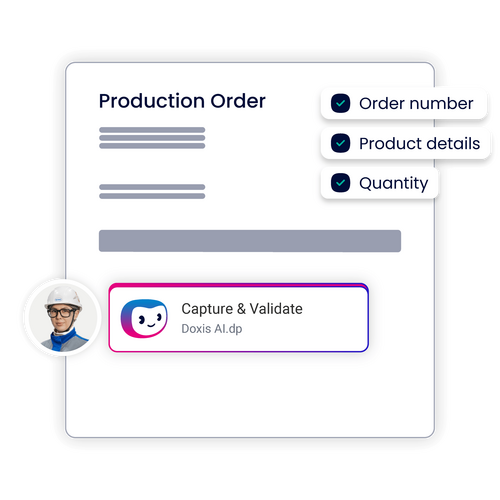
Key fields are extracted and checked automatically, including duplicate detection, missing required fields and consistency validation. Standard document types run fully automatically, and only exceptions go to a person for review.
4. Route and start the case
Each document is routed to the right inbox, group workbasket or workflow step by rules you define. Doxis attaches it to the matching eFile and starts the downstream process, from claims handling to invoice approval.
5. Archive and govern
Documents are stored in an audit-proof archive with retention rules applied from the start. Every action, from capture to final decision, is recorded in a complete audit trail.
What your digital mailroom software handles
Inbound mail is a mix of documents that each belong to a different team and process. Doxis recognizes the type, pulls out the fields that matter and sends each one where it needs to go.

Claims and policy correspondence
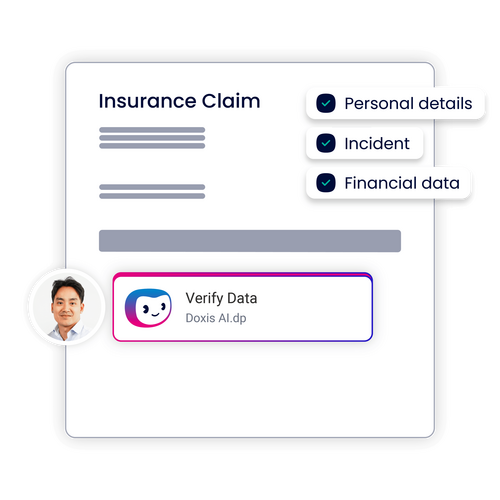
Claim notifications, policy changes and customer letters go straight to the responsible claims or policy team.

Supplier invoices
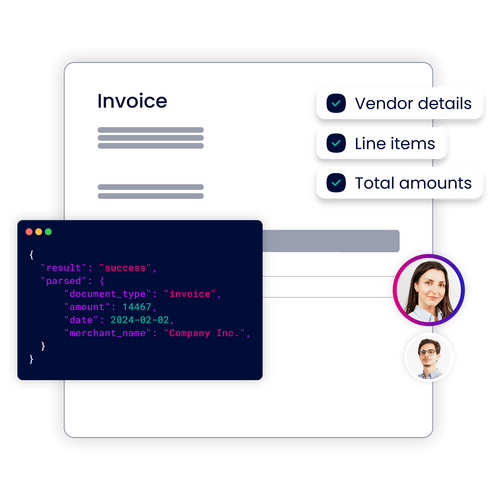
Vendor, invoice number, line items and amounts are extracted and handed to accounts payable for approval.

Order confirmations
PO references, delivery dates, quantities and prices are captured so deviations show up immediately.

Contracts and amendments
Parties, dates and key obligations are extracted and the document is filed to the right contract record.

Bank statements
Account details, transactions and counterparties are captured for reconciliation.

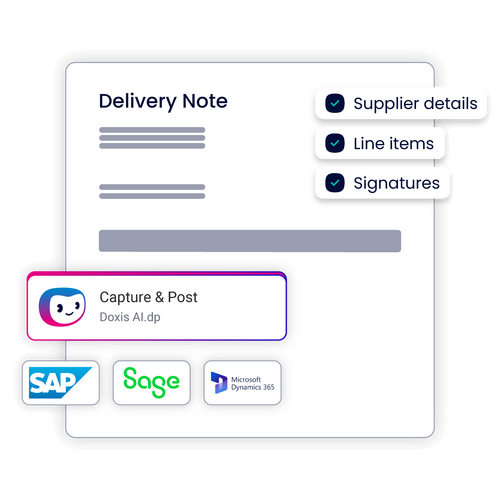
Delivery notes and shipping documents
Delivery notes, shipping manifests and customs documents reach logistics and accounting with their key fields already read.

SEW-Eurodrive hits top speed with Doxis
Forrester confirms it: 90% time savings with process automation
In a three-year Total Economic Impact™ study, Forrester analyzed how SEW-Eurodrive uses Doxis to streamline and automate its processes. Beyond achieving 90% faster document processing, here’s what else the company unlocked:
Time savings
90%
return on investment
336%
payback
<6 months

Increase revenue
Forward your inbound mail to the right person faster and enhance order processing efficiency.

React faster
Respond to service cases, customer inquiries and supplier offers without idle periods and transportation times.

Save resources
Automate labor-intensive tasks like sorting, classifying and distributing inbound mail.
Why enterprises choose Doxis for digital mailroom management
Shared services and back office teams need a mailroom that keeps pace with volume and connects to the rest of their document processes. Doxis gives you both on one platform.

One platform from mailroom to archive
Capture, case handling, workflows and audit-proof archiving run on the same platform, so documents never leave governed storage.

Built for enterprise volumes
Doxis scales with rising document throughput and seasonal peaks, across central, distributed and shared service center setups.

AI that keeps learning
Classification and extraction models improve through user feedback, so accuracy grows while training effort shrinks.

Your deployment choice
Run Doxis in the cloud, on-premises or as a hybrid setup, and keep the same functionality.

Governance built in
Fully GDPR and ISO 27001 compliant, with personal data redaction, retention rules and a complete audit trail.

Recognized by analysts
Doxis is a Leader in the Gartner® Magic Quadrant™ for Document Management 2026, for the second consecutive year.

Curious how we can help you?
Get in touch with us today.
Integration in your IT landscape








Your return on information with Doxis
Document classification is one capability inside Doxis Intelligent Content Automation, the AI-powered platform from Doxis, The Document Intelligence Company. The same platform connects, understands and automates information across the entire document lifecycle, so your return on information does not stop at a single use case.
Do more with Doxis Intelligent Content Automation:
- Capture and understand: AI reads, classifies and extracts data from any document, then validates it against your systems
- Manage and automate: Store content in one place with audit-ready governance, and drive document-centric workflows from intake to action
- Connect your systems: Link content to the tools you already run, with 200+ integrations including SAP and Salesforce
FAQ for Digital mailroom
What is a digital mailroom?
A digital mailroom is the single entry point where inbound business documents, whether paper mail, email, fax or portal uploads, are captured, classified and routed in digital form. With Doxis, the digital mailroom is also the first step of case processing: documents are attached to the right eFile and start the matching workflow as soon as they are captured.
How does digital mailroom automation work?
Digital mailroom automation captures documents from every channel, classifies them with AI, extracts and validates key data, then routes each one to the right inbox or workflow step. Doxis archives every document audit-proof from the start and records each action in a complete audit trail.
What is the difference between digital mailroom software and digital mailroom services?
Digital mailroom services usually refer to providers that receive and scan your physical mail for you. Digital mailroom software, such as Doxis, automates what happens next: classification, data extraction, routing, case handling and archiving. Doxis works with mail scanned in-house or by a scanning partner, so you can choose the intake model that suits your volume.
Can a digital mailroom handle paper mail and faxes, or only email?
Doxis handles all of them in one process. Scanned paper, fax, email, portal uploads, FTP transfers and API feeds follow the same classification and routing rules. That matters because fax is still part of 37% of document processes, according to the AIIM and Deep Analysis Market Momentum Index 2025.
How does Doxis classify documents it has never seen before?
Doxis AI.dp supports 50+ document types out of the box, and you can add custom types through trainable models. The models improve continuously through user feedback, and documents that fall outside your rules go to a person for review instead of being misrouted.
Does a digital mailroom integrate with our ERP and core business systems?
Yes. Doxis connects to your ERP, CRM and line-of-business systems, with 200+ integrations available, and can pass extracted data into downstream processes such as invoice approval or claims handling. Monitored mailboxes on Microsoft 365, Google Workspace and IMAP servers feed email straight into the same process.
How does a digital mailroom support compliance and audits?
Doxis time-stamps and classifies every document on receipt, archives it audit-proof and applies retention rules automatically. Every step is logged in a full audit trail, personal data can be redacted where required, and Doxis is fully GDPR and ISO 27001 compliant.
Can we run Doxis digital mailroom automation in the cloud?
Yes. Doxis runs in the cloud, on-premises or in a hybrid setup. You can keep scanning wherever it makes sense for you, centrally, at distributed locations or in a shared service center, and run the automation in the deployment model your IT strategy requires.
How can we help you?
+49 (0) 30 498582-0Your message has reached us!
We appreciate your interest and will get back to you shortly.